CompactLogix / L18ER
Controller diagnostics, live tag monitoring and sequence investigation. Trace input conditions and program routines through to the machine’s outputs.
Studio 5000 Logix Designer
CompactLogix machine control, FactoryTalk View ME interfaces and EtherNet/IP-connected equipment. Practical investigation of the program, the network and the machine.
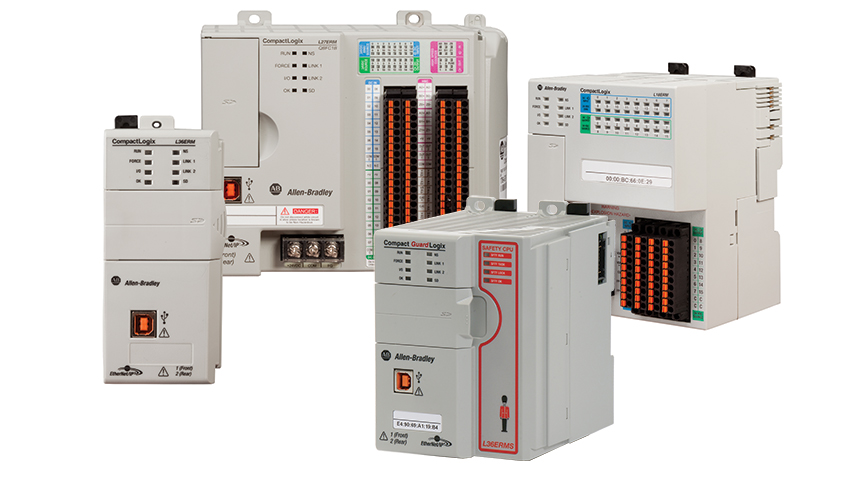
5370 family shown. Experience includes the compact L18ER controller.
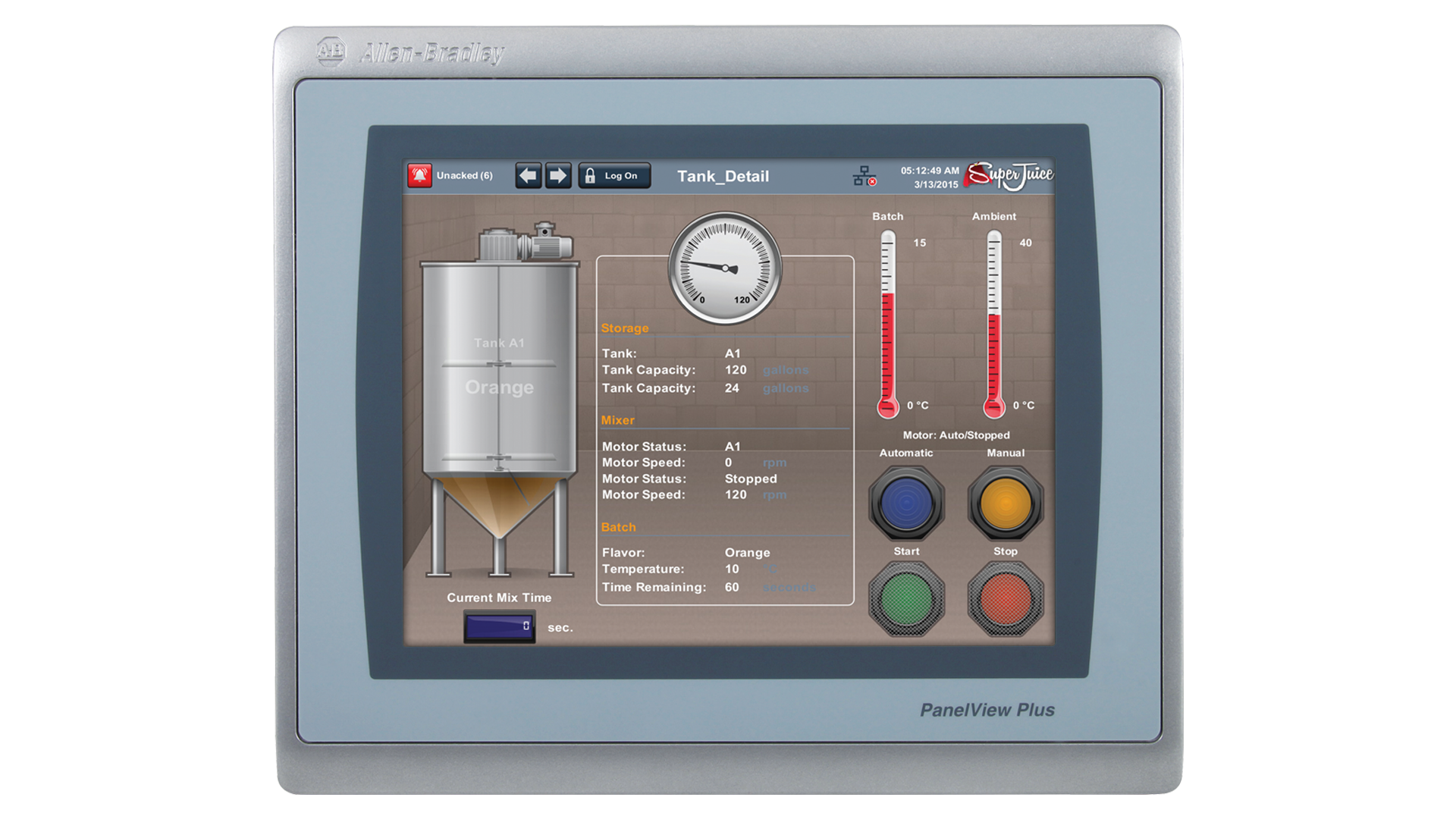
PanelView Plus 7 shown as an example of compatible HMI hardware.
Support centred on CompactLogix and the Logix engineering environment. Trace tags, routines and machine conditions to understand why the equipment is not doing what it should.
Controller diagnostics, live tag monitoring and sequence investigation. Trace input conditions and program routines through to the machine’s outputs.
Studio 5000 Logix DesignerInvestigate controller communications, tags and alarm behaviour. Support with application changes and clearer operator information in an existing ME project.
FactoryTalk View Studio / Machine EditionA sequence stop, HMI alarm or lost connection is a starting point. Trace it through the PLC logic and connected equipment to establish the cause.
Investigate routines, permissives and live tags. Identify the condition preventing a sequence from progressing.
Check tag paths, alarms and communication settings between FactoryTalk View ME applications and the controller.
Investigate connected device status, addressing and command/status exchange. Establish where the data path is breaking down.
Start with the equipment, the original project and the engineering version. Keep changes grounded in how the existing machine is configured.
CompactLogix program investigation, online diagnostics, tag monitoring and agreed logic changes. Match the project version to controller firmware.
Machine-level HMI application support, including screens, alarms and controller tag connections. Work from the available editable project.
Check device discovery, controller connections and HMI communication shortcuts using the tools appropriate to the installed project.
Review controller projects, HMI source files and firmware compatibility before changes or replacement setup.
Include the equipment model, software version and available project files when you enquire.
A clear understanding of the problem and practical options for your equipment.
Trace missing signals, sequence stops and equipment alarms. Connect software findings to the electrical and mechanical behaviour of the machine.
Check addressing, device status and the data path between controllers, I/O, HMIs and connected equipment.
Investigate alarms and displayed status. Improve the information available to operators and maintenance teams.
Review available projects and configurations, support replacement setup and document agreed changes.
Support with I/O checks, machine sequences and agreed changes to existing controls.
Assess installed equipment and dependencies, then work through practical options for repair, replacement or improvement.
Send the equipment details, symptoms and site location. Photos of the hardware, alarm messages and available project information help establish the scope.
Allen-Bradley, CompactLogix, Studio 5000 and FactoryTalk are trademarks of Rockwell Automation. Product images are supplied by the manufacturer and show representative hardware. Chase Controls is an independent service and is not affiliated with or endorsed by Allen-Bradley.