NX controllers
Program investigation, I/O diagnostics and support with machine sequences. Understand task behaviour, interlocks and connected devices before changing the logic.
Sysmac Studio
PLC logic, servo motion and connected drives. Practical support with Sysmac-based machine control, NX hardware, 1S servo systems and M1 inverters.
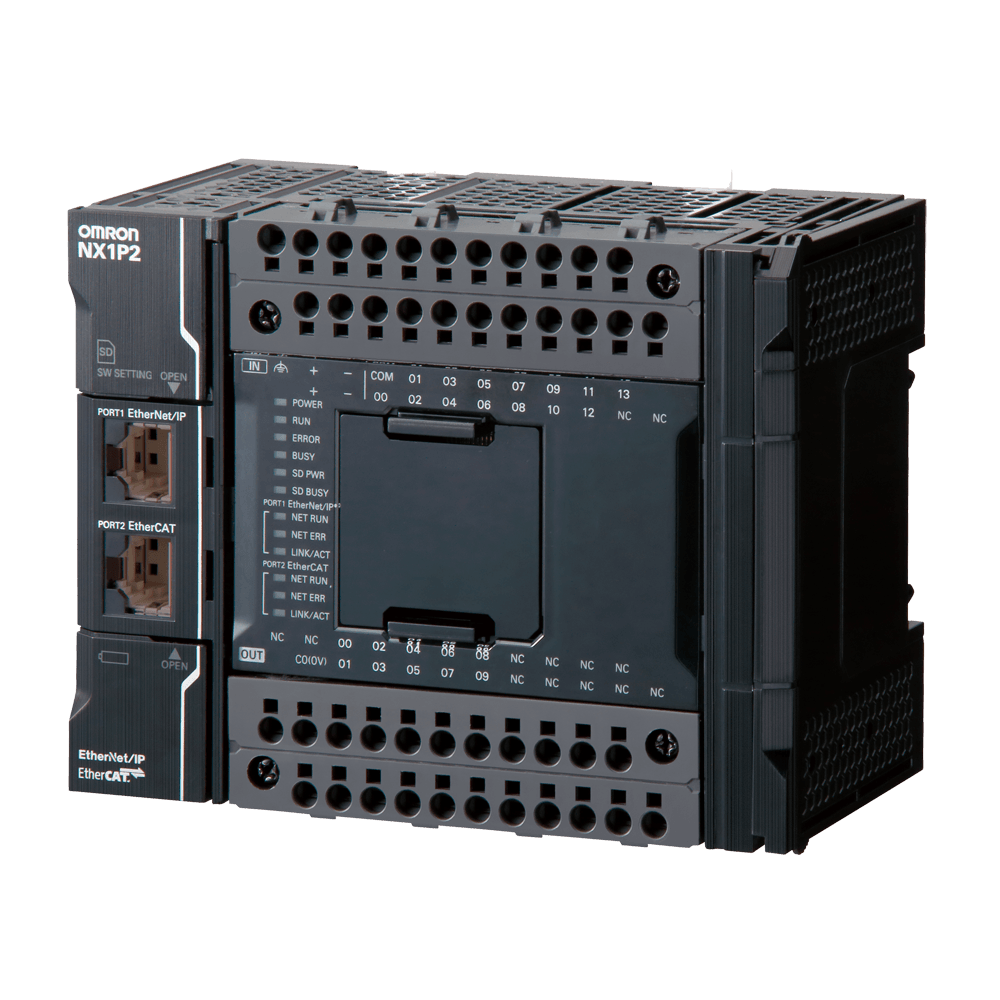
NX1P2 shown as an example of the NX machine automation range.
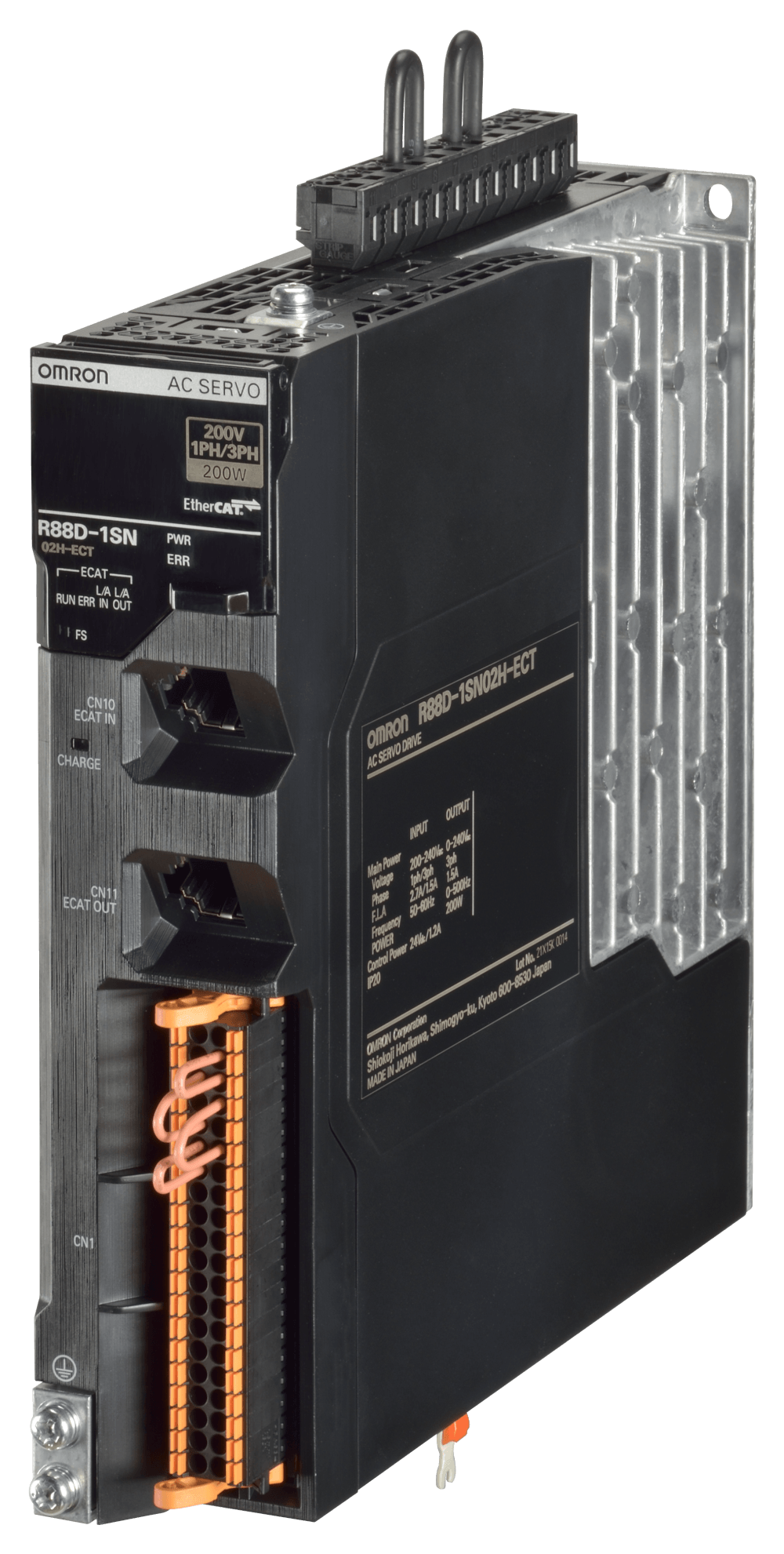
Servo hardware integrated with the machine’s motion and control system.
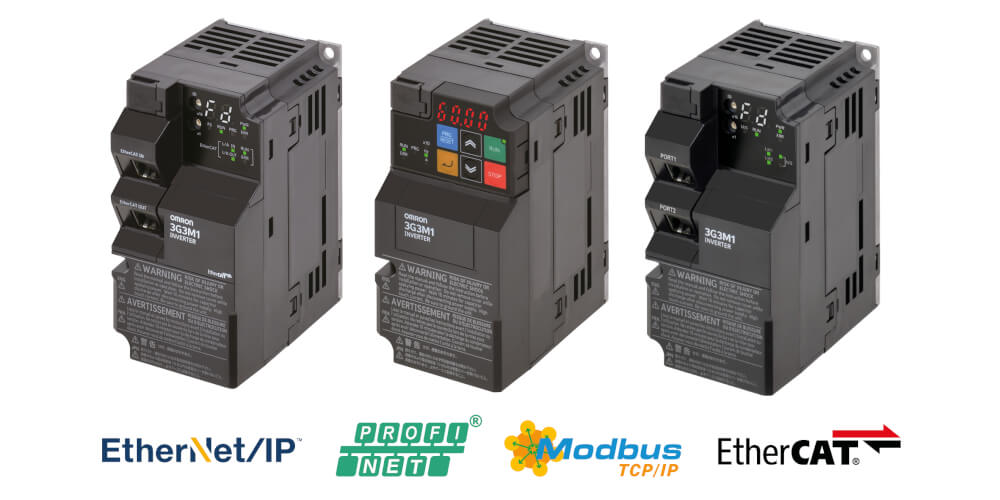
Inverter variants with different communications options. The installed model matters.
Work through the machine logic, distributed I/O and connected devices in the Sysmac project. Link what the software reports to what is happening on the equipment.
Program investigation, I/O diagnostics and support with machine sequences. Understand task behaviour, interlocks and connected devices before changing the logic.
Sysmac StudioInvestigate signal paths, device status and the connection between field hardware and controller data. Identify the affected channel or device within the machine.
Sysmac Studio / installed network configurationInvestigate the controller and drive as a connected system: commands, status, feedback and the field equipment around them.
Axis faults, enable conditions, homing, position and torque behaviour. Investigate motion commands alongside drive and feedback status.
Parameter setup, motor control, drive alarms and PLC command/status exchange. Communications depend on the inverter variant.
Investigate device connections and data exchange in the installed network, including the link between PLC, I/O and motion hardware.
Start with the equipment, the original project and the engineering version. Keep changes grounded in how the existing machine is configured.
Program monitoring, machine logic, controller configuration and integrated motion engineering for compatible NX systems.
Use online signals and traces to investigate axis behaviour, feedback and the conditions around an intermittent fault.
Parameter and communications checks for 1S servo drives and M1 inverters. Select the engineering method for the installed drive variant.
Review the available project, controller version and device configuration before modifications or replacement setup.
Include the equipment model, software version and available project files when you enquire.
A clear understanding of the problem and practical options for your equipment.
Trace missing signals, sequence stops and equipment alarms. Connect software findings to the electrical and mechanical behaviour of the machine.
Check addressing, device status and the data path between controllers, I/O, HMIs and connected equipment.
Investigate alarms and displayed status. Improve the information available to operators and maintenance teams.
Review available projects and configurations, support replacement setup and document agreed changes.
Support with I/O checks, machine sequences and agreed changes to existing controls.
Assess installed equipment and dependencies, then work through practical options for repair, replacement or improvement.
Send the equipment details, symptoms and site location. Photos of the hardware, alarm messages and available project information help establish the scope.
Omron, Sysmac and associated product names are trademarks of their respective owner. Product images are supplied by the manufacturer and show representative hardware. Chase Controls is an independent service and is not affiliated with or endorsed by Omron.